Worth the drive

Worth the Drive from Ann Arbor

Five towns within about half an hour, and the places in them that justify the trip. Each has its own guide at the bottom.

Chelsea

About 20 minutes west.
Dexter

Fifteen minutes northwest, on the Huron.
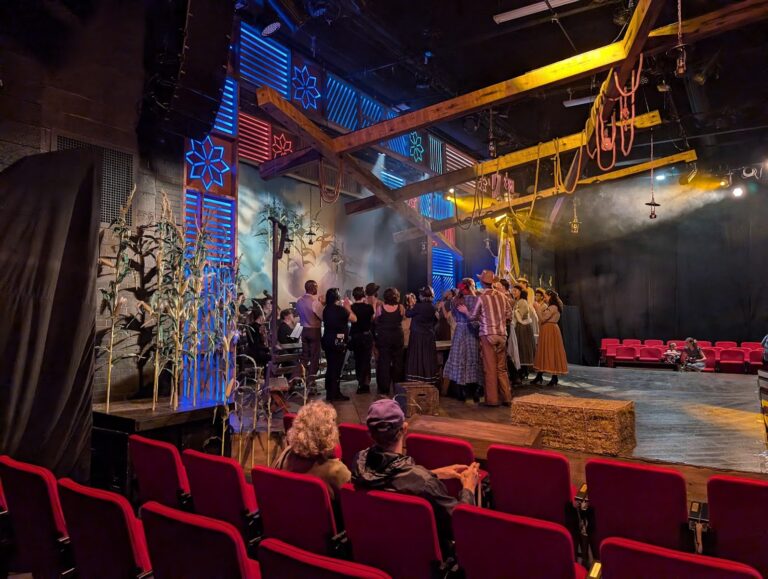
Saline

Twenty minutes south.
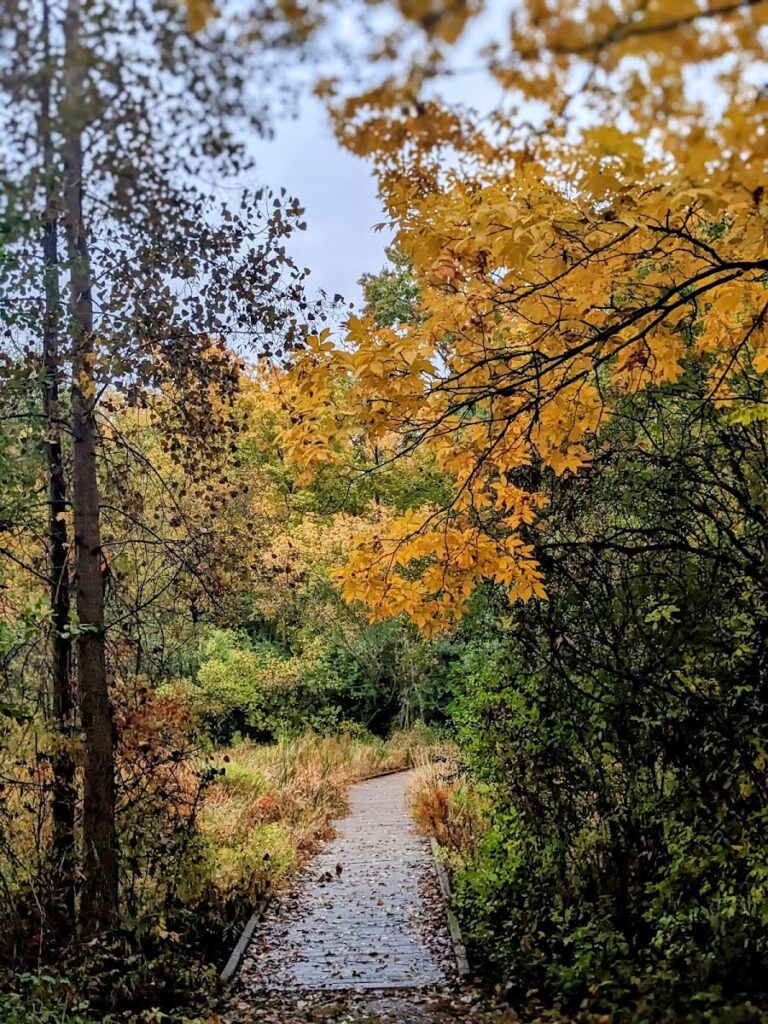
  • Marsh View Meadows
    Marsh View Meadows

    Open meadow and marsh with walking paths, quiet on a weekday morning.

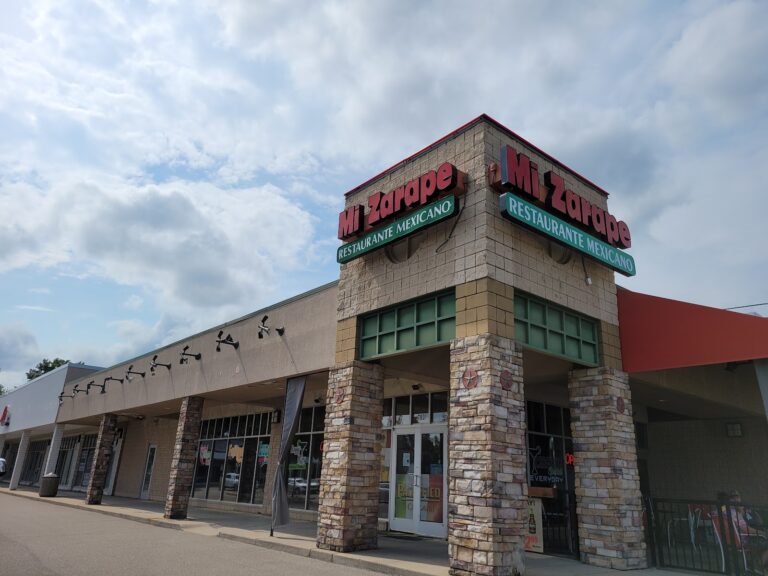
  • Mi Zarape
    Mi Zarape

    Family Mexican kitchen on East Michigan Avenue.

Ypsilanti

Ten minutes east, and the easiest of these to reach.
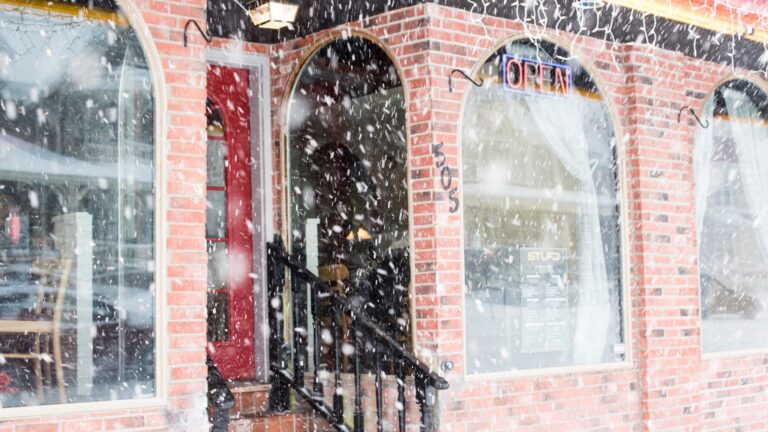
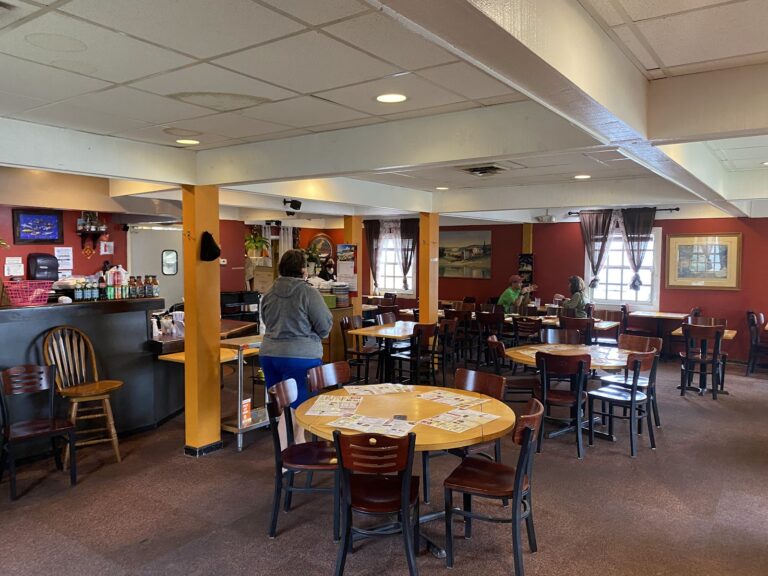
  • STUFD
    STUFD

    Big burritos and Mexican staples in a plain room. Go for the food, not the decor.

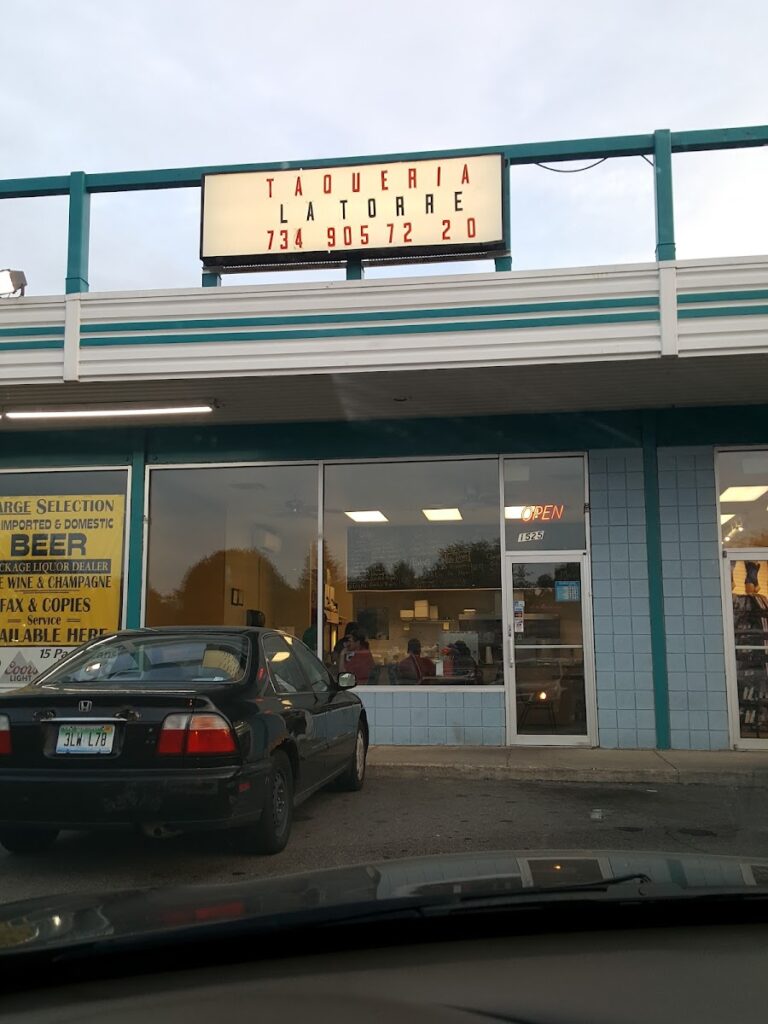
  • La Torre Taqueria
    La Torre Taqueria

    Family-owned taqueria doing classic tacos without fuss.

  • Tuptim Thai Cuisine
    Tuptim Thai Cuisine

    Family-run Thai kitchen with weekday lunch deals.

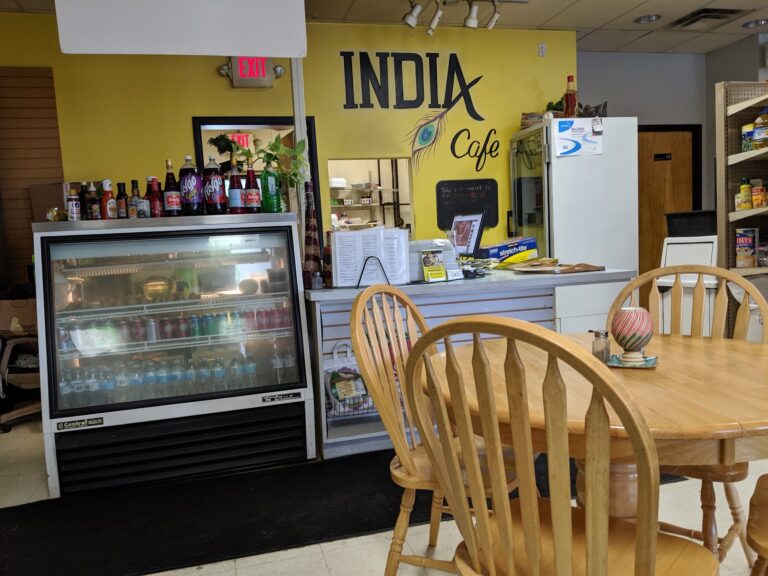
  • India Cafe
    India Cafe

    Asian grocery with a kitchen at the back cooking traditional Indian food.

Tecumseh

Forty-five minutes southwest, and the furthest of these.

  • Harvest Chocolate
    Harvest Chocolate

    Bean-to-bar chocolate maker and cafe on the main street downtown.

Read first

Guides

Questions?
Guidelines & Tips
Image Clarity

Logos should be no smaller than 160 x 160 px, with the subject matter centered as possible to avoid being cut off at the edges.

Image Size Limits

Images can have a maximum file size of 1 MB. Should you need to compress your images, no problem! Here’s a free tool with super simple instructions.

  1. Open Squoosh.
  2. Upload an image.
  3. Choose WebP from the dropdown.
  4. Download your optimized image.
Guidelines & Tips
Image Clarity

Headshot (Listing Preview) images should be no smaller than 800 x 900 px and Headshot (Listing Page) images should be no smaller than 160 x 160 px, with the subject matter centered as possible to avoid being cut off at the edges.

Image Size Limits

Images can have a maximum file size of 1 MB. Should you need to compress your images, no problem! Here’s a free tool with super simple instructions.

  1. Open Squoosh.
  2. Upload an image.
  3. Choose WebP from the dropdown.
  4. Download your optimized image.
Google Reviews
Display your reviews with these simple steps.
  1. From your EmbedSocial dashboard, click the ‘+’ icon next to the ‘Sources’ menu item.
  2. Choose ‘Google.’
  3. Click ‘Connect Google Account.’
  4. Authenticate with Google using the credentials tied to the account where your Google Reviews are coming from.
  5. After authentication is successful, click ‘Create Widget.’
  6. Copy the unique identifier from the Widget Code, as shown in the image below, highlighted in blue.
  7. Edit your Listing and paste the code into the ‘Google Reviews’ field.
  8. Save changes.
Guidelines & Tips
Image Clarity

Cover and Gallery images should be no smaller than 1920 x 1080 px for the best clarity, and the subject matter should be as centered as possible to avoid being cut off at the edges.

Image Size Limits

Images can have a maximum file size of 1 MB. Should you need to compress your images, no problem! Here’s a free tool with super simple instructions.

  1. Open Squoosh.
  2. Upload an image.
  3. Choose WebP from the dropdown.
  4. Download your optimized image.
Add Listing

Wondering if you already have a Listing on our platform? Click here to find out.

Claim Listing

Find and take control of any Listings you have on our platform. No Listing to Claim? Click here to add one.