Ten places to get outside, from a riverside walk to a full day out.
Kensington Metropark

Two beaches, a golf course and a nature centre with guided walks. A whole day, not an hour.

Maybury State Park

Hiking, biking, horseback and cross-country ski trails, plus a working farm.

Sterling State Park

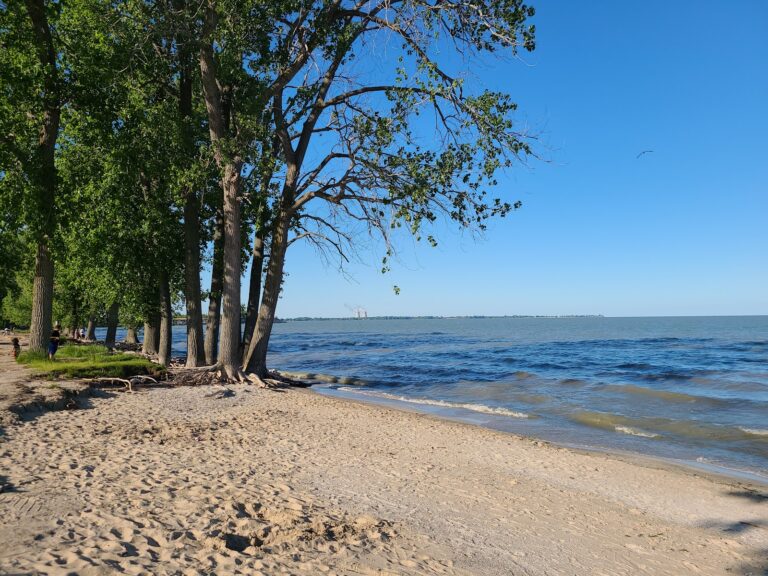
Lake Erie’s only state park. A mile of lakeshore, campsites and wildlife walks.

Bandemer Nature Area

Riverfront trails with picnic space and fishing, close to town.

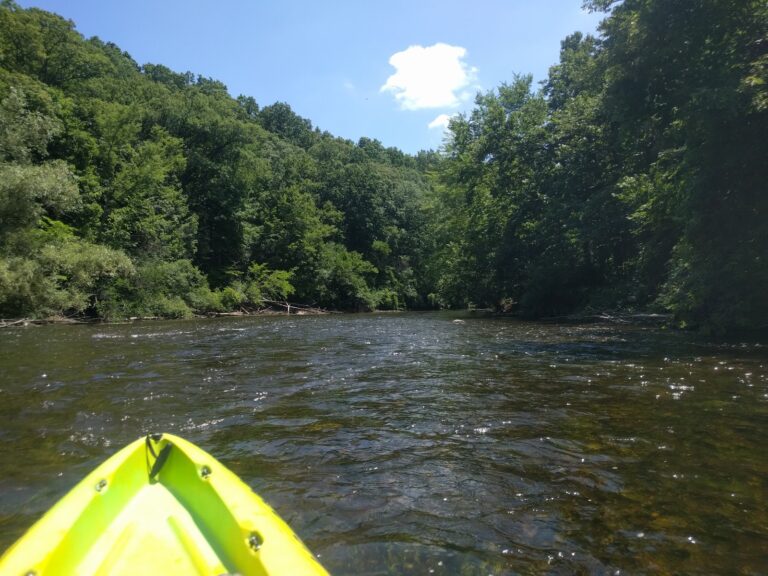
Huron River Water Trail

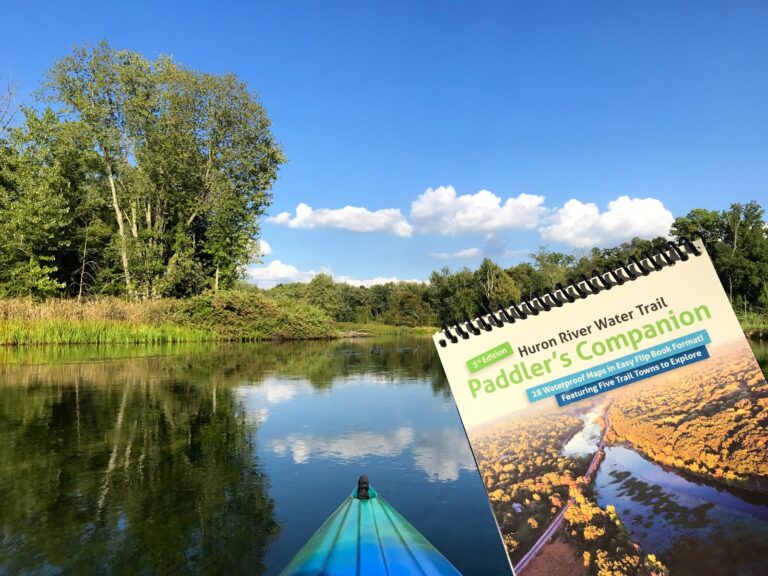
Paddling route along the Huron, for anyone who would rather be on the water.

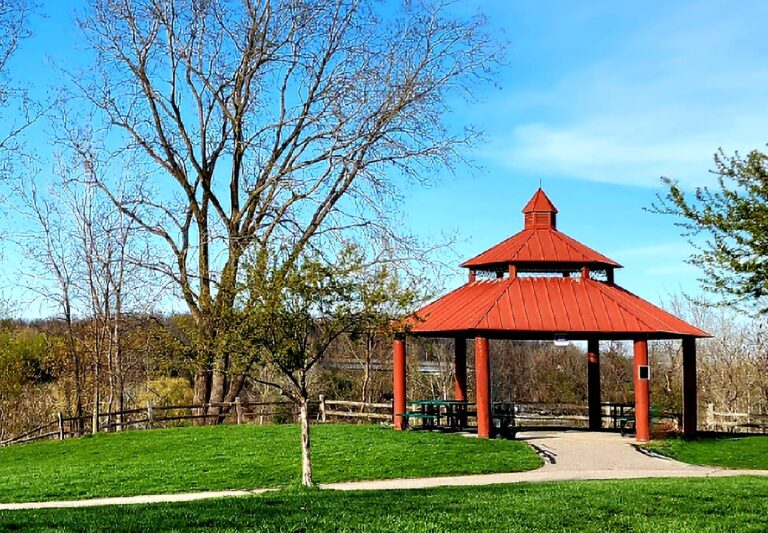
Lillie Park South

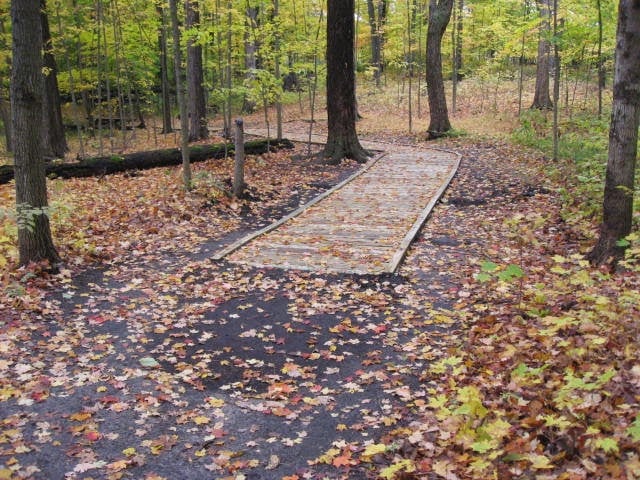
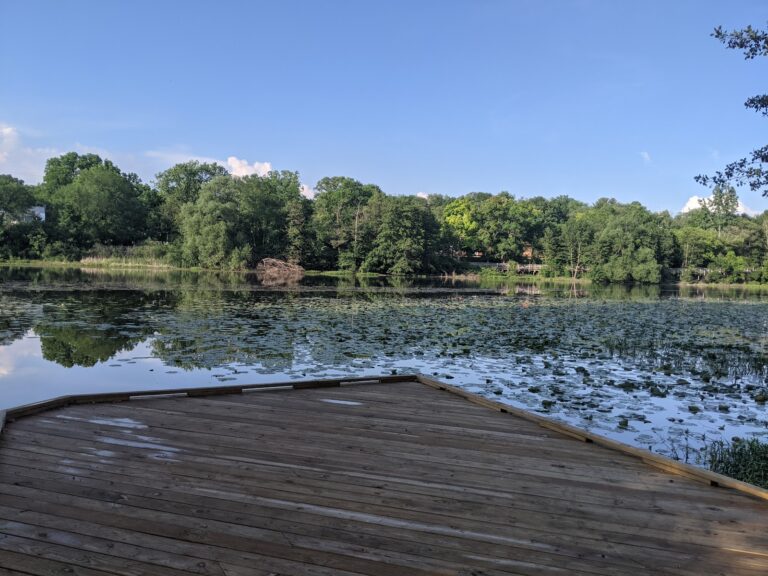
A lake, two ponds, a boardwalk and sports fields, with surfaced and wood-chip paths.

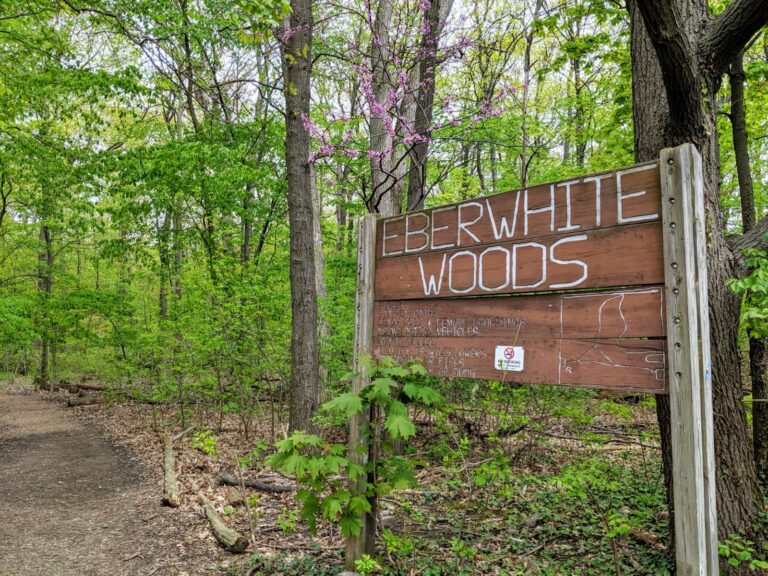
Eberwhite Nature Area

Wooded reserve with a 1.5-mile loop, popular with dog walkers.

Cedar Bend Nature Area

Mature forest and native planting on steep trails. The harder walk of the two.

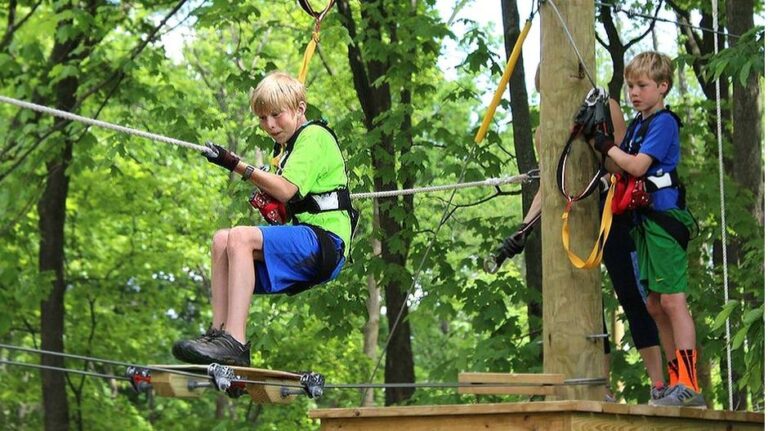
TreeRunner Adventure Park Mini Golf West Bloomfield

Zip-line trails, climbing platforms and elevated bridges through the trees.

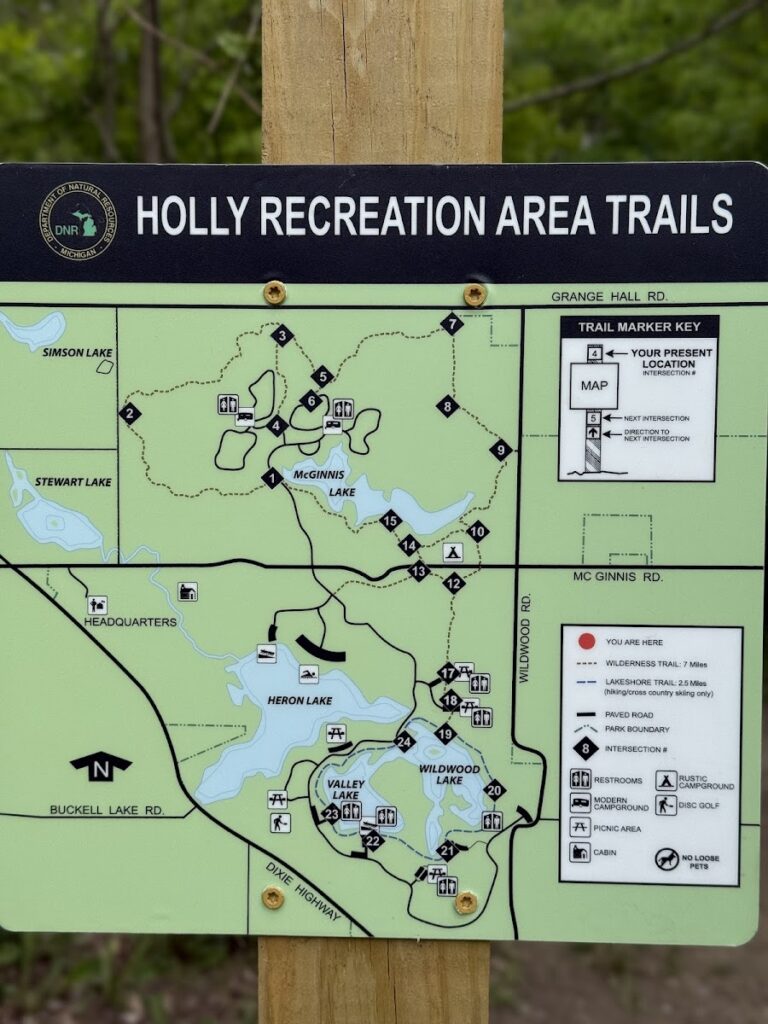
Holly Recreation Area

Woodland for hiking, fishing, biking and camping, with a disc golf course.

See every park and trail

Guides

Questions?
Guidelines & Tips
Image Clarity

Logos should be no smaller than 160 x 160 px, with the subject matter centered as possible to avoid being cut off at the edges.

Image Size Limits

Images can have a maximum file size of 1 MB. Should you need to compress your images, no problem! Here’s a free tool with super simple instructions.

  1. Open Squoosh.
  2. Upload an image.
  3. Choose WebP from the dropdown.
  4. Download your optimized image.
Guidelines & Tips
Image Clarity

Headshot (Listing Preview) images should be no smaller than 800 x 900 px and Headshot (Listing Page) images should be no smaller than 160 x 160 px, with the subject matter centered as possible to avoid being cut off at the edges.

Image Size Limits

Images can have a maximum file size of 1 MB. Should you need to compress your images, no problem! Here’s a free tool with super simple instructions.

  1. Open Squoosh.
  2. Upload an image.
  3. Choose WebP from the dropdown.
  4. Download your optimized image.
Google Reviews
Display your reviews with these simple steps.
  1. From your EmbedSocial dashboard, click the ‘+’ icon next to the ‘Sources’ menu item.
  2. Choose ‘Google.’
  3. Click ‘Connect Google Account.’
  4. Authenticate with Google using the credentials tied to the account where your Google Reviews are coming from.
  5. After authentication is successful, click ‘Create Widget.’
  6. Copy the unique identifier from the Widget Code, as shown in the image below, highlighted in blue.
  7. Edit your Listing and paste the code into the ‘Google Reviews’ field.
  8. Save changes.
Guidelines & Tips
Image Clarity

Cover and Gallery images should be no smaller than 1920 x 1080 px for the best clarity, and the subject matter should be as centered as possible to avoid being cut off at the edges.

Image Size Limits

Images can have a maximum file size of 1 MB. Should you need to compress your images, no problem! Here’s a free tool with super simple instructions.

  1. Open Squoosh.
  2. Upload an image.
  3. Choose WebP from the dropdown.
  4. Download your optimized image.
Add Listing

Wondering if you already have a Listing on our platform? Click here to find out.

Claim Listing

Find and take control of any Listings you have on our platform. No Listing to Claim? Click here to add one.