Theatres, music rooms and bars worth a night out, then the full list.
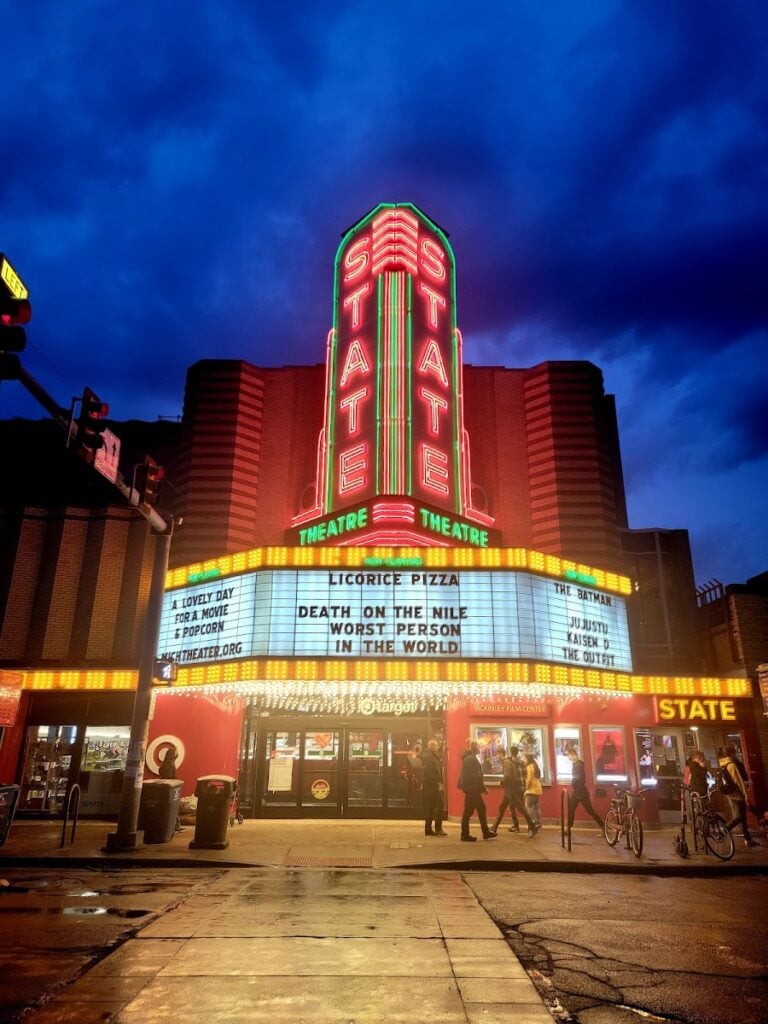
The State Theatre

Art deco cinema from 1942 screening independent and classic film upstairs.

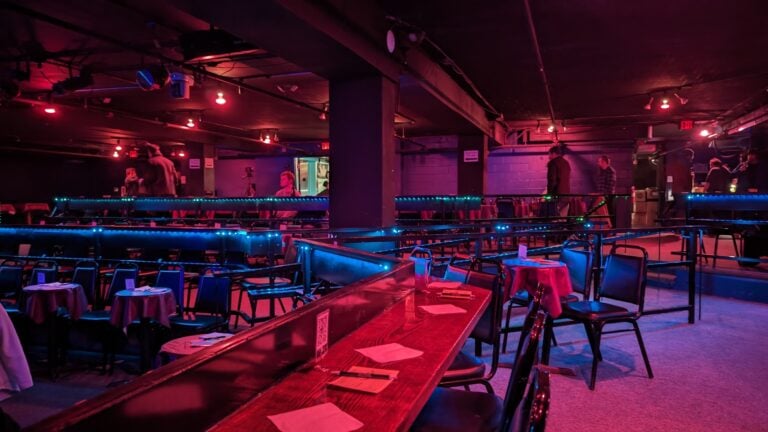
Ann Arbor Comedy Showcase

Stand-up club with open-mike nights that has hosted famous names for decades.

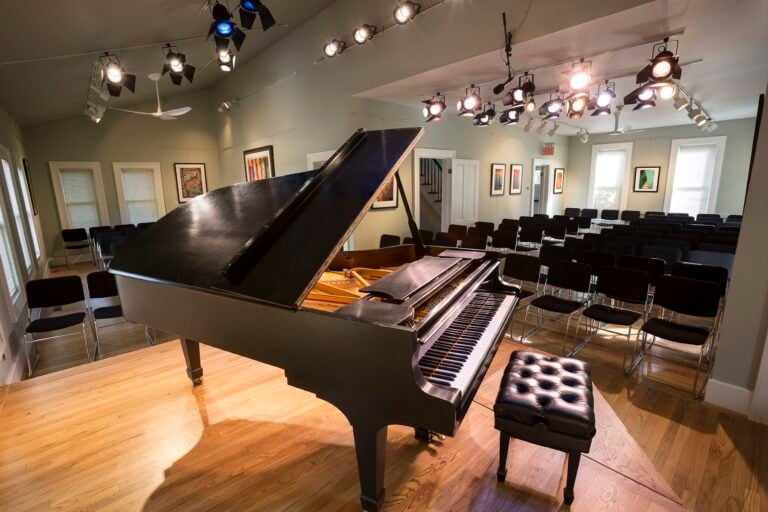
Kerrytown Concert House

Intimate room in a 19th-century house, programming emerging and established musicians.

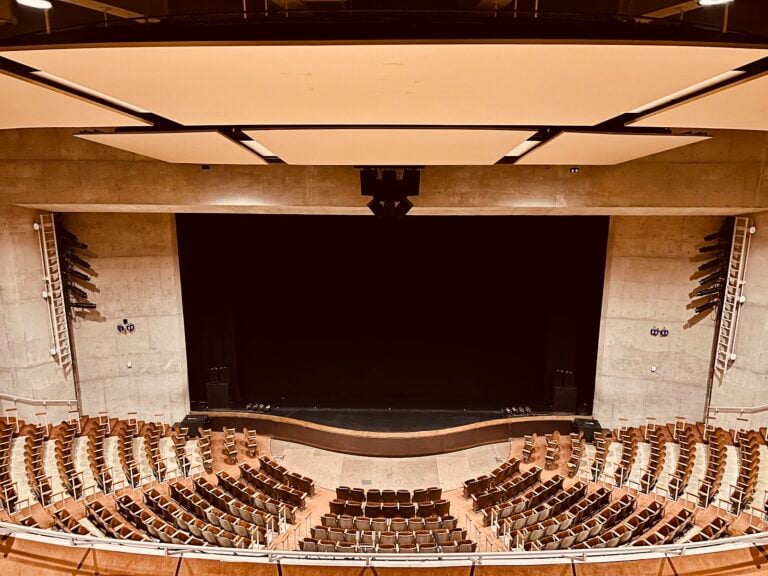
Power Center for the Performing Arts

Campus theatre seating 1,300, built for student productions and touring work.

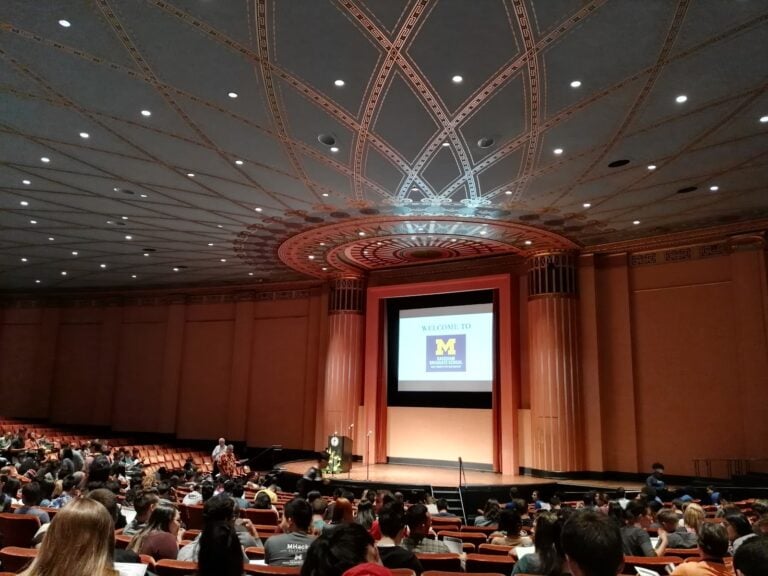
Rackham Auditorium

Auditorium inside the Rackham Graduate School, used for concerts and lectures.

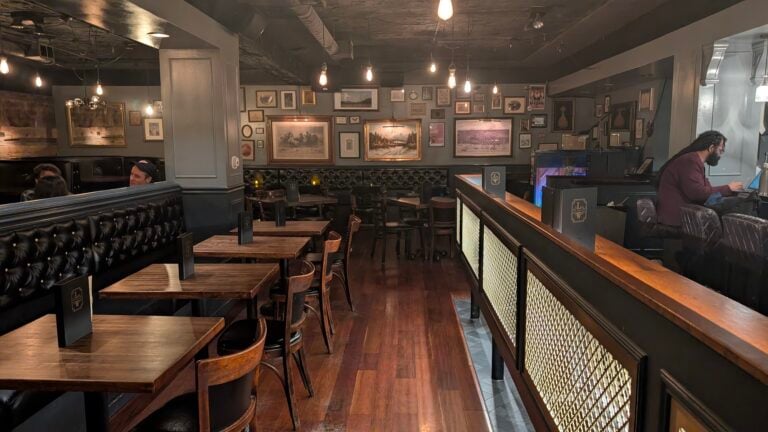
The Last Word

Small stylish bar with classic cocktails, a deep whiskey list and local beer.

The Ravens Club

Speakeasy-style room doing farm-to-table small plates and old-fashioned cocktails.

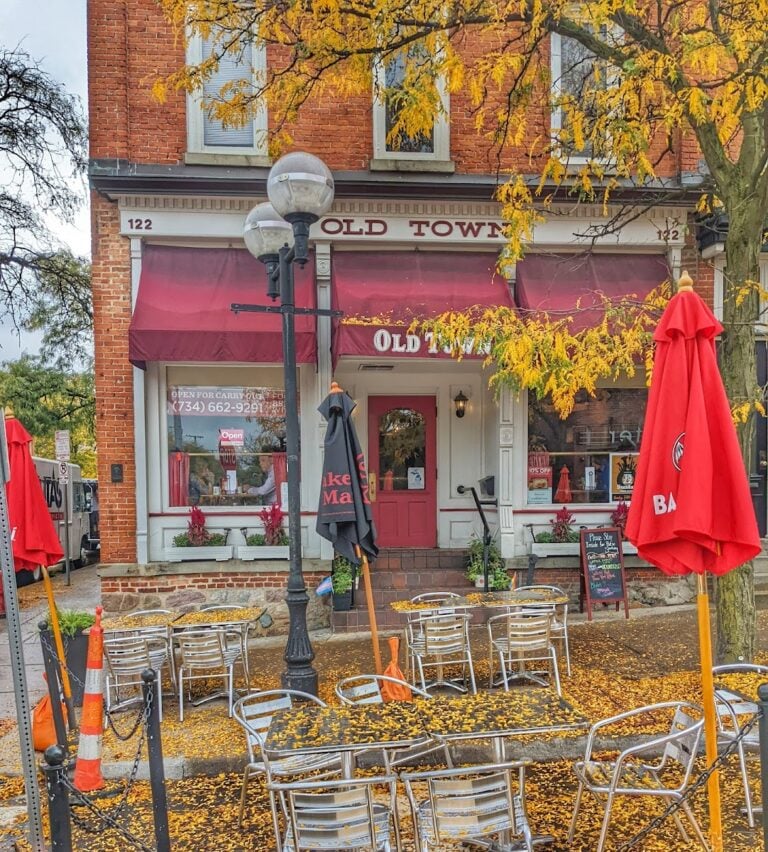
Old Town Tavern

Local beer on tap and hearty sandwiches in an unfussy tavern.

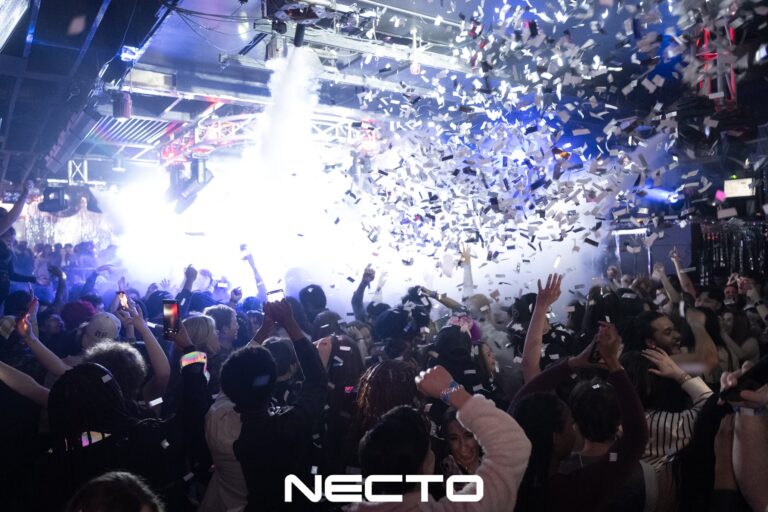
Necto

Dance club with live DJs, a patio and regular theme nights.

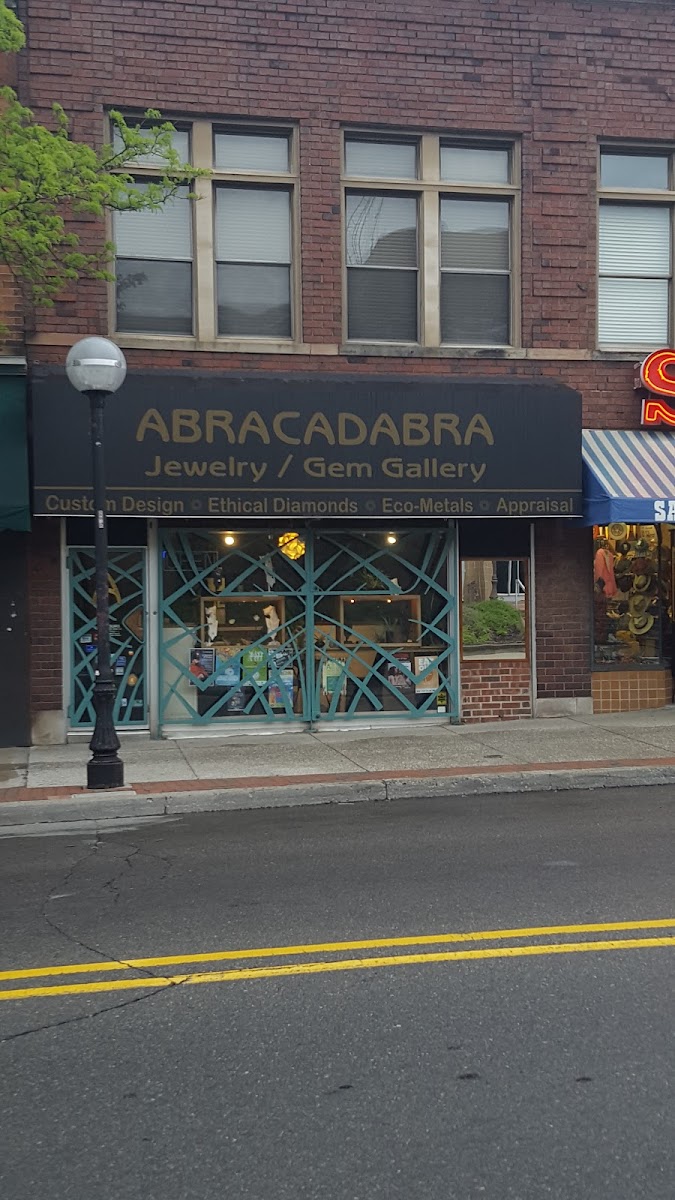
ABRACADABRA Jewelry/Gem Gallery

Gemstone jewellery from local artists alongside vintage estate pieces.

See everything on in Ann Arbor

Guides

Questions?
Guidelines & Tips
Image Clarity

Logos should be no smaller than 160 x 160 px, with the subject matter centered as possible to avoid being cut off at the edges.

Image Size Limits

Images can have a maximum file size of 1 MB. Should you need to compress your images, no problem! Here’s a free tool with super simple instructions.

  1. Open Squoosh.
  2. Upload an image.
  3. Choose WebP from the dropdown.
  4. Download your optimized image.
Guidelines & Tips
Image Clarity

Headshot (Listing Preview) images should be no smaller than 800 x 900 px and Headshot (Listing Page) images should be no smaller than 160 x 160 px, with the subject matter centered as possible to avoid being cut off at the edges.

Image Size Limits

Images can have a maximum file size of 1 MB. Should you need to compress your images, no problem! Here’s a free tool with super simple instructions.

  1. Open Squoosh.
  2. Upload an image.
  3. Choose WebP from the dropdown.
  4. Download your optimized image.
Google Reviews
Display your reviews with these simple steps.
  1. From your EmbedSocial dashboard, click the ‘+’ icon next to the ‘Sources’ menu item.
  2. Choose ‘Google.’
  3. Click ‘Connect Google Account.’
  4. Authenticate with Google using the credentials tied to the account where your Google Reviews are coming from.
  5. After authentication is successful, click ‘Create Widget.’
  6. Copy the unique identifier from the Widget Code, as shown in the image below, highlighted in blue.
  7. Edit your Listing and paste the code into the ‘Google Reviews’ field.
  8. Save changes.
Guidelines & Tips
Image Clarity

Cover and Gallery images should be no smaller than 1920 x 1080 px for the best clarity, and the subject matter should be as centered as possible to avoid being cut off at the edges.

Image Size Limits

Images can have a maximum file size of 1 MB. Should you need to compress your images, no problem! Here’s a free tool with super simple instructions.

  1. Open Squoosh.
  2. Upload an image.
  3. Choose WebP from the dropdown.
  4. Download your optimized image.
Add Listing

Wondering if you already have a Listing on our platform? Click here to find out.

Claim Listing

Find and take control of any Listings you have on our platform. No Listing to Claim? Click here to add one.