Ten places worth planning an evening around, and the whole list underneath.
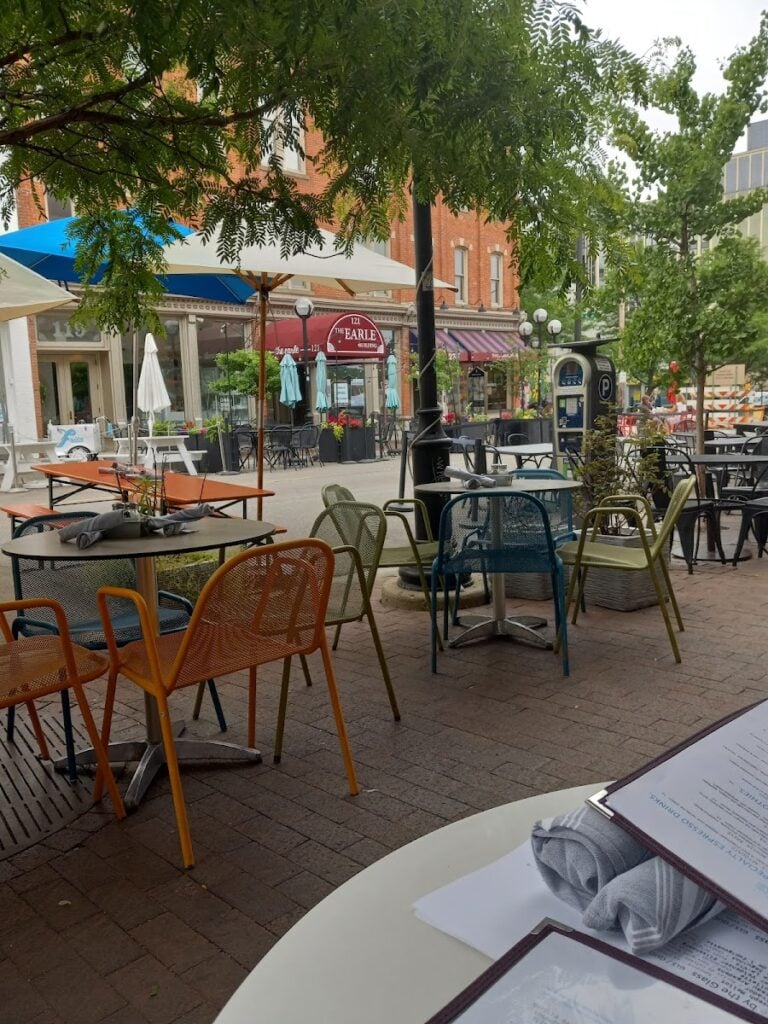
Café Zola

Eclectic plates and global wines under high ceilings. The one to book when you want the evening to feel like an occasion.

Juicy Kitchen

Small breakfast and lunch room with vegetarian, vegan and gluten-free cooking that is not an afterthought.

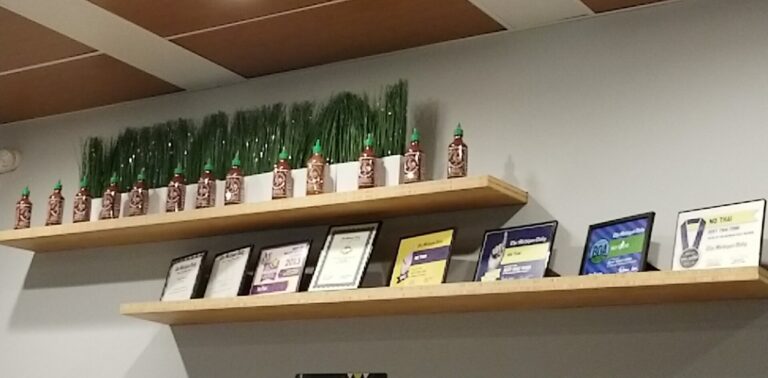
No Thai! Kerrytown

Noodles and stir-fries in Kerrytown, low-key enough for a weeknight.

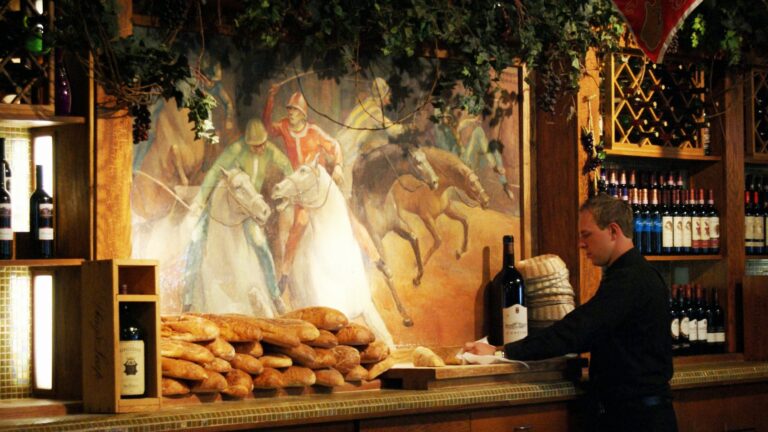
Palio Ann Arbor

Country Italian with a rooftop patio that runs its own kitchen. Go up when the weather allows.

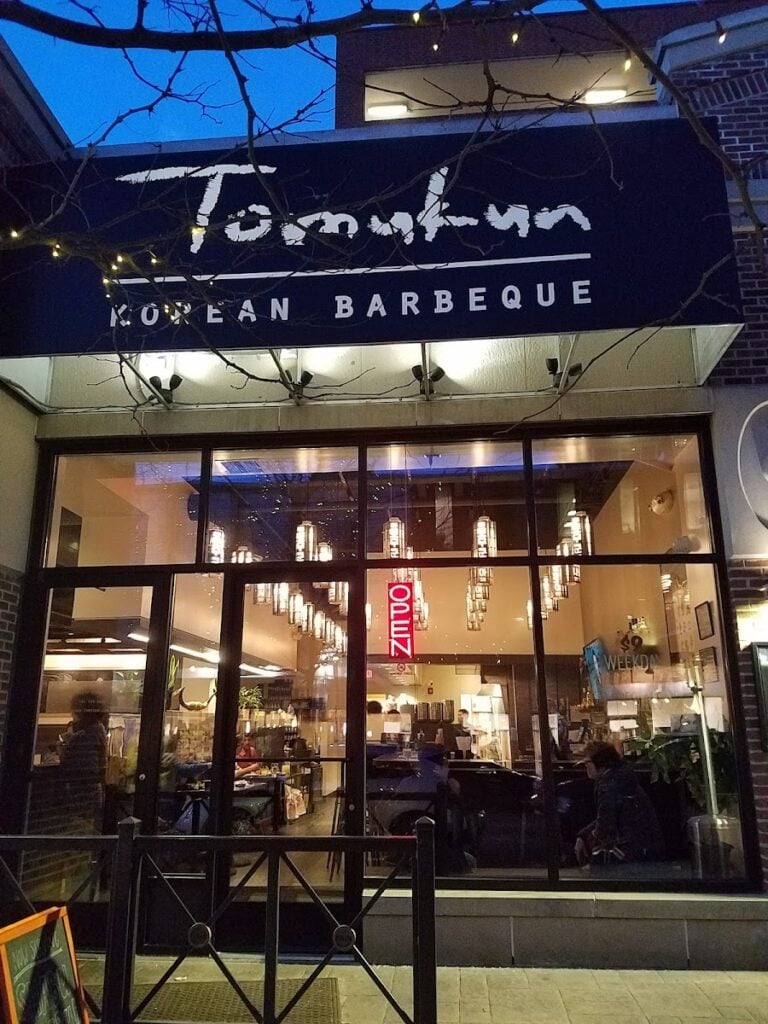
Tomukun Korean BBQ

Korean BBQ and a ramen menu in an open room, with Asian draft beer alongside.

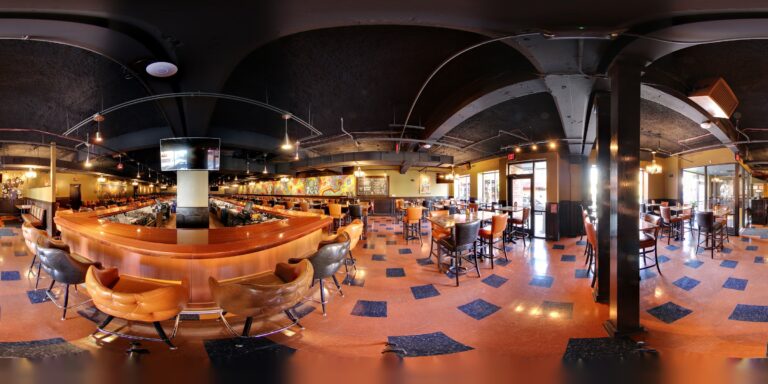
HopCat

Brewpub with a very long beer list, pub cooking and a brunch menu.

Blue Tractor BBQ Brewery

House craft beer paired with barbecue, smoked meats and biscuits, usually with live music.

The Lunch Room Bakery Cafe

Plant-based breakfast sandwiches, tacos and bowls with a Southwestern lean.

Pizza House

Deep-dish pies and Italian plates in a roomy dining room built for groups.

Everest Sherpa Restaurant

Nepali, Tibetan and Indian cooking in a small bistro with alpine decor.

See every restaurant in the directory

Guides

Questions?
Guidelines & Tips
Image Clarity

Logos should be no smaller than 160 x 160 px, with the subject matter centered as possible to avoid being cut off at the edges.

Image Size Limits

Images can have a maximum file size of 1 MB. Should you need to compress your images, no problem! Here’s a free tool with super simple instructions.

  1. Open Squoosh.
  2. Upload an image.
  3. Choose WebP from the dropdown.
  4. Download your optimized image.
Guidelines & Tips
Image Clarity

Headshot (Listing Preview) images should be no smaller than 800 x 900 px and Headshot (Listing Page) images should be no smaller than 160 x 160 px, with the subject matter centered as possible to avoid being cut off at the edges.

Image Size Limits

Images can have a maximum file size of 1 MB. Should you need to compress your images, no problem! Here’s a free tool with super simple instructions.

  1. Open Squoosh.
  2. Upload an image.
  3. Choose WebP from the dropdown.
  4. Download your optimized image.
Google Reviews
Display your reviews with these simple steps.
  1. From your EmbedSocial dashboard, click the ‘+’ icon next to the ‘Sources’ menu item.
  2. Choose ‘Google.’
  3. Click ‘Connect Google Account.’
  4. Authenticate with Google using the credentials tied to the account where your Google Reviews are coming from.
  5. After authentication is successful, click ‘Create Widget.’
  6. Copy the unique identifier from the Widget Code, as shown in the image below, highlighted in blue.
  7. Edit your Listing and paste the code into the ‘Google Reviews’ field.
  8. Save changes.
Guidelines & Tips
Image Clarity

Cover and Gallery images should be no smaller than 1920 x 1080 px for the best clarity, and the subject matter should be as centered as possible to avoid being cut off at the edges.

Image Size Limits

Images can have a maximum file size of 1 MB. Should you need to compress your images, no problem! Here’s a free tool with super simple instructions.

  1. Open Squoosh.
  2. Upload an image.
  3. Choose WebP from the dropdown.
  4. Download your optimized image.
Add Listing

Wondering if you already have a Listing on our platform? Click here to find out.

Claim Listing

Find and take control of any Listings you have on our platform. No Listing to Claim? Click here to add one.