
About

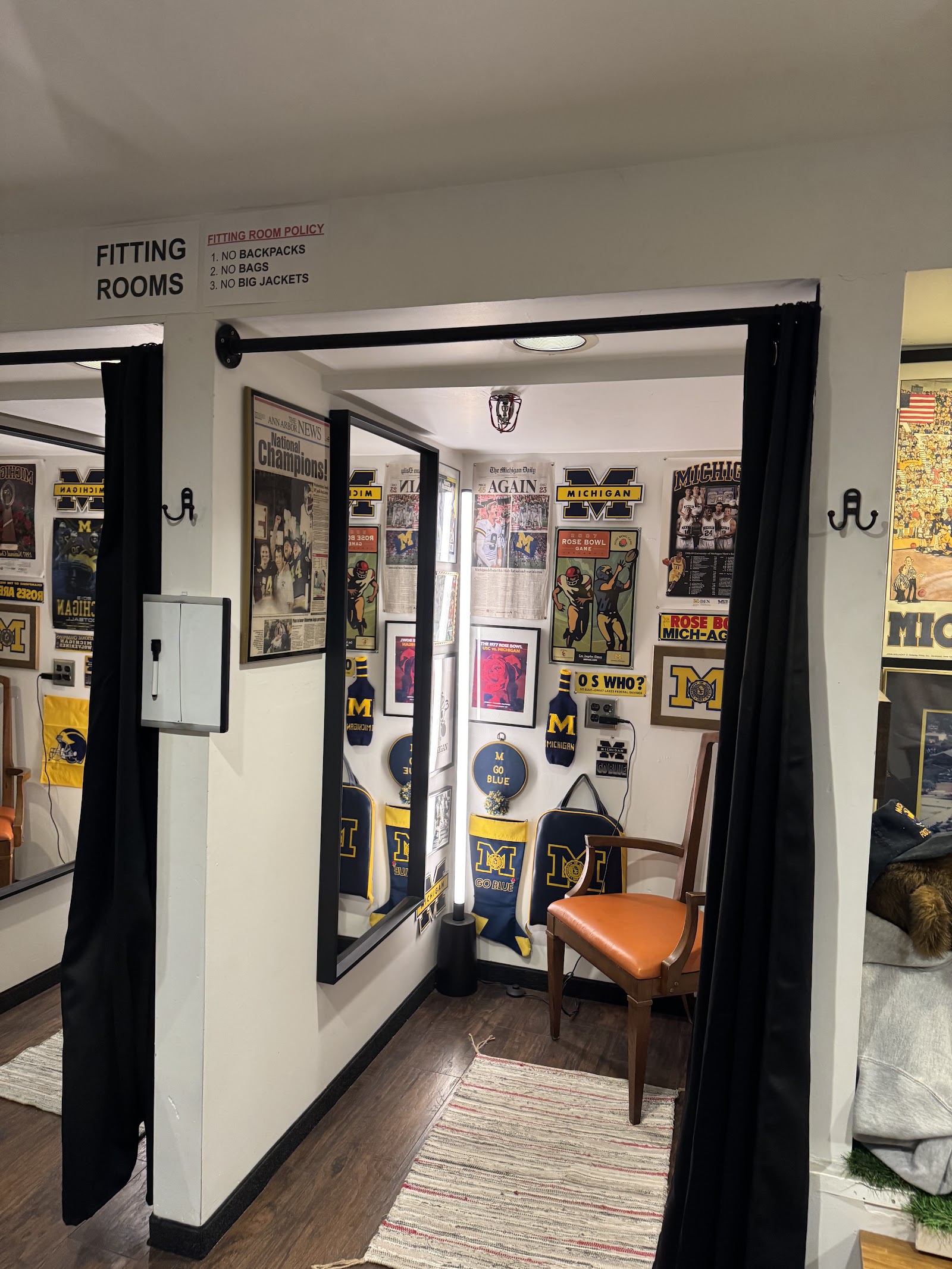
Seven-day vintage on State Street.University Vintage at 324 S State St is a family-run vintage clothing shop that opened in 2023, founded by brothers Jared and Shane Perlin, both Michigan alumni. It grew out of a pop-up and an online business into a storefront, and it specialises in apparel from the 1970s to the early 2000s with a deliberate lean into Michigan and Michigan State collegiate gear. Rated 4.9 from 29 reviews.It is one of only two rooms in the vintage and antique category anywhere in Washtenaw County that opens seven days a week, which makes it the default answer on a Monday when essentially every antique shop in the county is shut. It also buys vintage from local sellers, so it works in both directions.One wrinkle on Friday. The shop's own site publishes a single uniform line, Monday to Sunday 10:30am to 7pm, with no exception. Google publishes Friday noon to 7pm, an hour and a half later than every other day. The grid here carries the later noon open for Friday because that is the safer assumption standing on State Street, but if you want the 10:30 on a Friday morning, call (734) 822-2428 first. Every other day both sources agree on 10:30am to 7pm.It sits yards from the S State St entrance to Nickels Arcade, where Atomic Trading Co. and Arcadian Antiques both trade, so three vintage and antique rooms are within one block.

Contact
Closes in 25 minutes
Open hours today: 10:30 am - 7:00 pm Toggle weekly schedule
  • Monday

    10:30 am - 7:00 pm

  • Tuesday

    10:30 am - 7:00 pm

  • Wednesday

    10:30 am - 7:00 pm

  • Thursday

    10:30 am - 7:00 pm

  • Friday

    12:00 pm - 7:00 pm

  • Saturday

    10:30 am - 7:00 pm

  • Sunday

    10:30 am - 7:00 pm

  • November 10, 2026 6:33 pm local time

Send Email

Message

Preferred Contact Method

Privacy & Terms Acceptance

Questions?
Guidelines & Tips
Image Clarity

Logos should be no smaller than 160 x 160 px, with the subject matter centered as possible to avoid being cut off at the edges.

Image Size Limits

Images can have a maximum file size of 1 MB. Should you need to compress your images, no problem! Here’s a free tool with super simple instructions.

  1. Open Squoosh.
  2. Upload an image.
  3. Choose WebP from the dropdown.
  4. Download your optimized image.
Guidelines & Tips
Image Clarity

Headshot (Listing Preview) images should be no smaller than 800 x 900 px and Headshot (Listing Page) images should be no smaller than 160 x 160 px, with the subject matter centered as possible to avoid being cut off at the edges.

Image Size Limits

Images can have a maximum file size of 1 MB. Should you need to compress your images, no problem! Here’s a free tool with super simple instructions.

  1. Open Squoosh.
  2. Upload an image.
  3. Choose WebP from the dropdown.
  4. Download your optimized image.
Google Reviews
Display your reviews with these simple steps.
  1. From your EmbedSocial dashboard, click the ‘+’ icon next to the ‘Sources’ menu item.
  2. Choose ‘Google.’
  3. Click ‘Connect Google Account.’
  4. Authenticate with Google using the credentials tied to the account where your Google Reviews are coming from.
  5. After authentication is successful, click ‘Create Widget.’
  6. Copy the unique identifier from the Widget Code, as shown in the image below, highlighted in blue.
  7. Edit your Listing and paste the code into the ‘Google Reviews’ field.
  8. Save changes.
Guidelines & Tips
Image Clarity

Cover and Gallery images should be no smaller than 1920 x 1080 px for the best clarity, and the subject matter should be as centered as possible to avoid being cut off at the edges.

Image Size Limits

Images can have a maximum file size of 1 MB. Should you need to compress your images, no problem! Here’s a free tool with super simple instructions.

  1. Open Squoosh.
  2. Upload an image.
  3. Choose WebP from the dropdown.
  4. Download your optimized image.
Add Listing

Wondering if you already have a Listing on our platform? Click here to find out.

Claim Listing

Find and take control of any Listings you have on our platform. No Listing to Claim? Click here to add one.